FROM A THOUGHT
Write the impossible.
A place that doesn't exist. A moment you haven't filmed. Describe a scene and explore it as an AI video.
“An explorer discovers a doorway in the middle of the ocean.”
 vixel.Get Vixel
IMAGINATION, MEET MOTION
Your ideas deserve a bigger world.
Create it with AI video.
01 / THE POSSIBILITIES
Start with something ordinary. Take it somewhere only you could imagine.
A place that doesn't exist. A moment you haven't filmed. Describe a scene and explore it as an AI video.
“An explorer discovers a doorway in the middle of the ocean.”
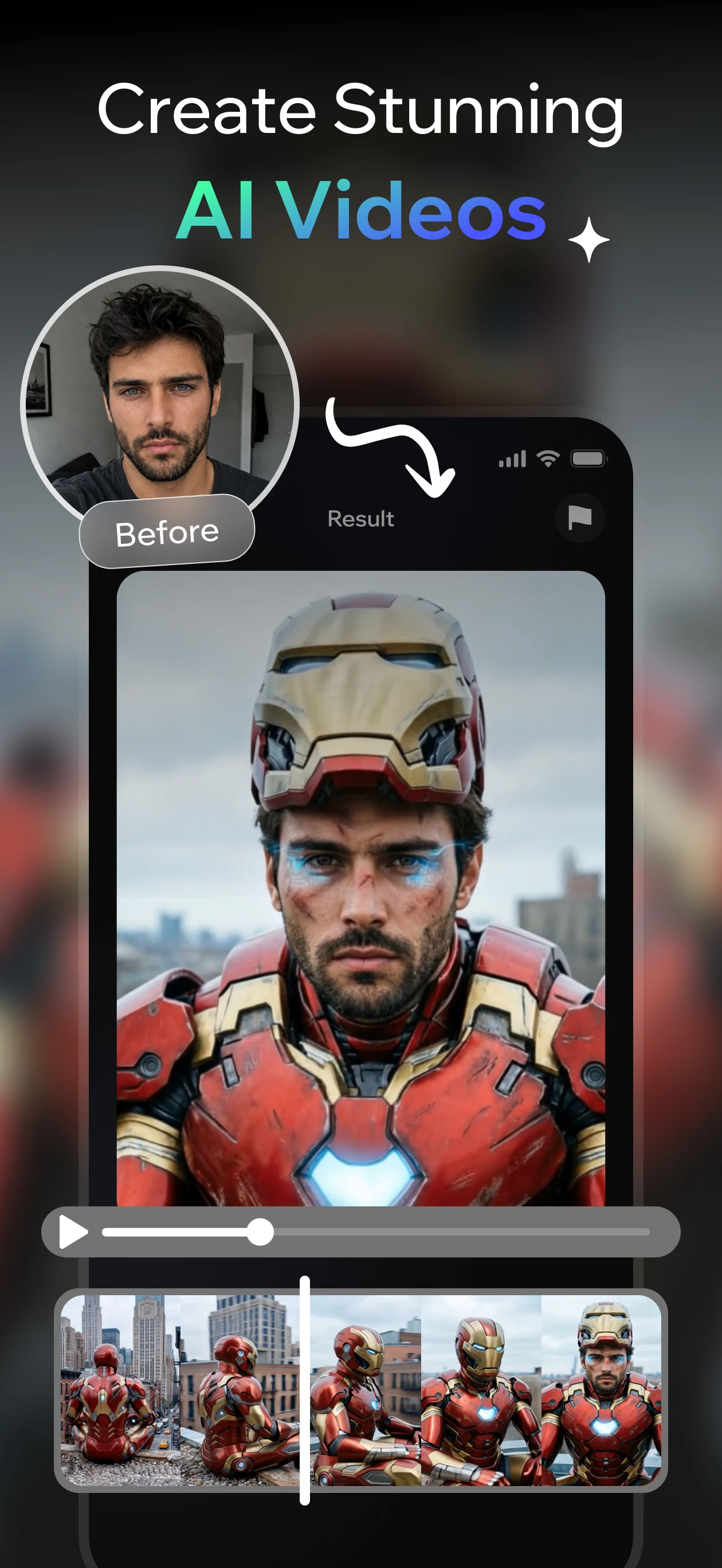
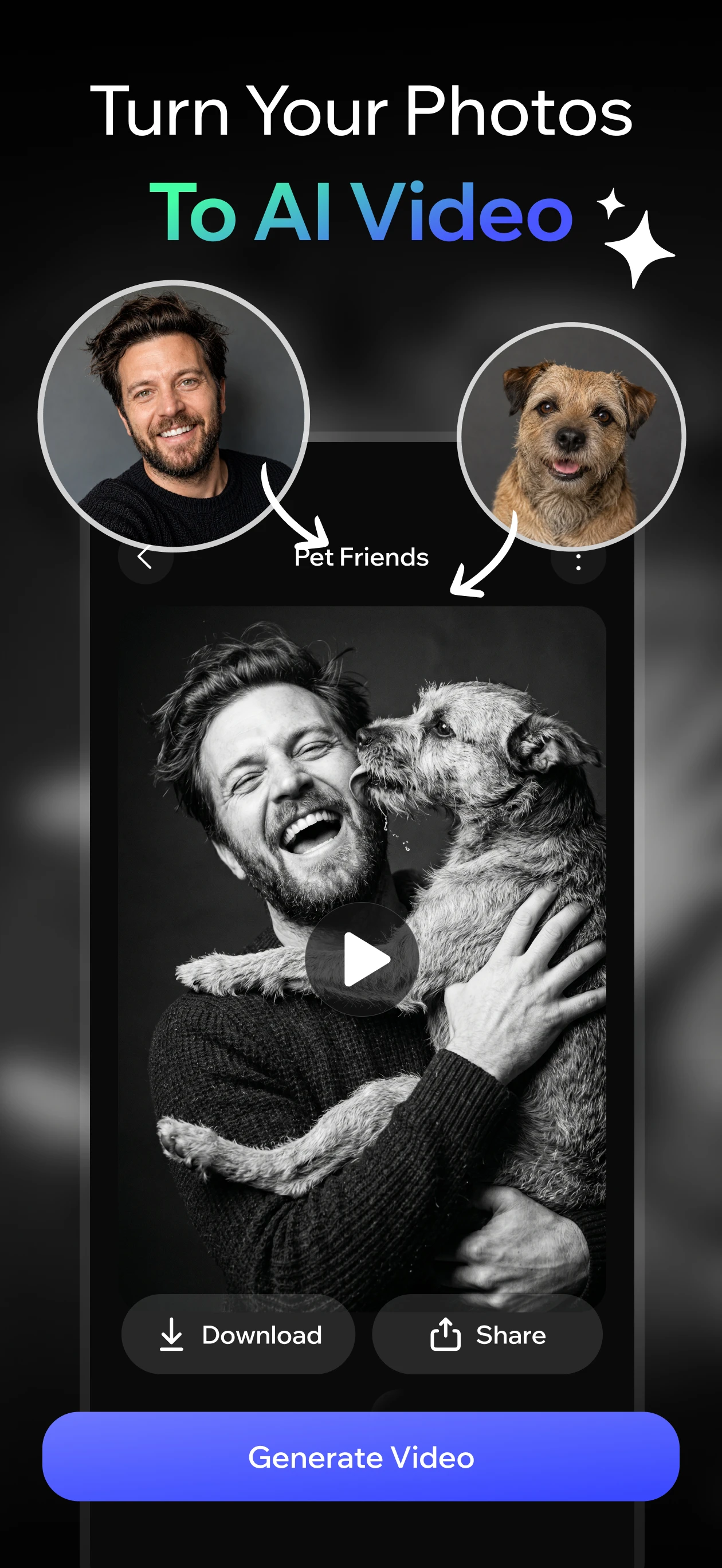
Turn a favorite photo into a new moment. Try a character transformation, a different setting, or a playful animated take.
See the possibilitiesCinematic looks, surprising effects, and expressive characters. Follow your curiosity until something clicks.
Make it your own02 / INSIDE VIXEL
One app. Plenty of directions.
Find a starting point that feels like you.
Let a familiar face lead an unfamiliar story. Start from a photo and explore a completely different role.
FROM THE VIXEL STORE GALLERY
A photo from your camera roll or a scene in your head. Begin with either.
Explore a look or an effect. Make your description specific, and let your next idea surprise you.
Review the result in the app, save your favorite, and give it a life beyond your camera roll.
A written scene or a photo. Vixel offers text-to-video, image-to-video, and creative effects. Use a clear image and describe the subject, setting, and movement you have in mind.
Vixel is available on Google Play and the Apple App Store. Use the download links below to check availability and device compatibility in your region.
Vixel offers in-app purchases. Generation may require credits or a subscription, and a subscription may not cover every creation. Check the price, credit allowance, and renewal terms shown in the app before confirming a purchase.
AI-generated results can vary and may change faces, details, or movement. Review a result before sharing it. Only upload content you have permission to use, including permission from people pictured.
Manage subscriptions through the store account used for the purchase. Refund requests are handled by that store under its policy. For an app issue, contact vixel@fenixmobile.com with your device model, app version, and a short description. Never send your password or full payment details.
Contact app supportRead the developer's privacy policy for details about uploaded content and data handling. Direct questions about your information to the Vixel support team.
Read the privacy policyTHE NEXT SCENE IS YOURS
Get Vixel. Give your imagination somewhere to go.
Available on Android and iPhone. In-app purchases apply.